

Pump up the volume.
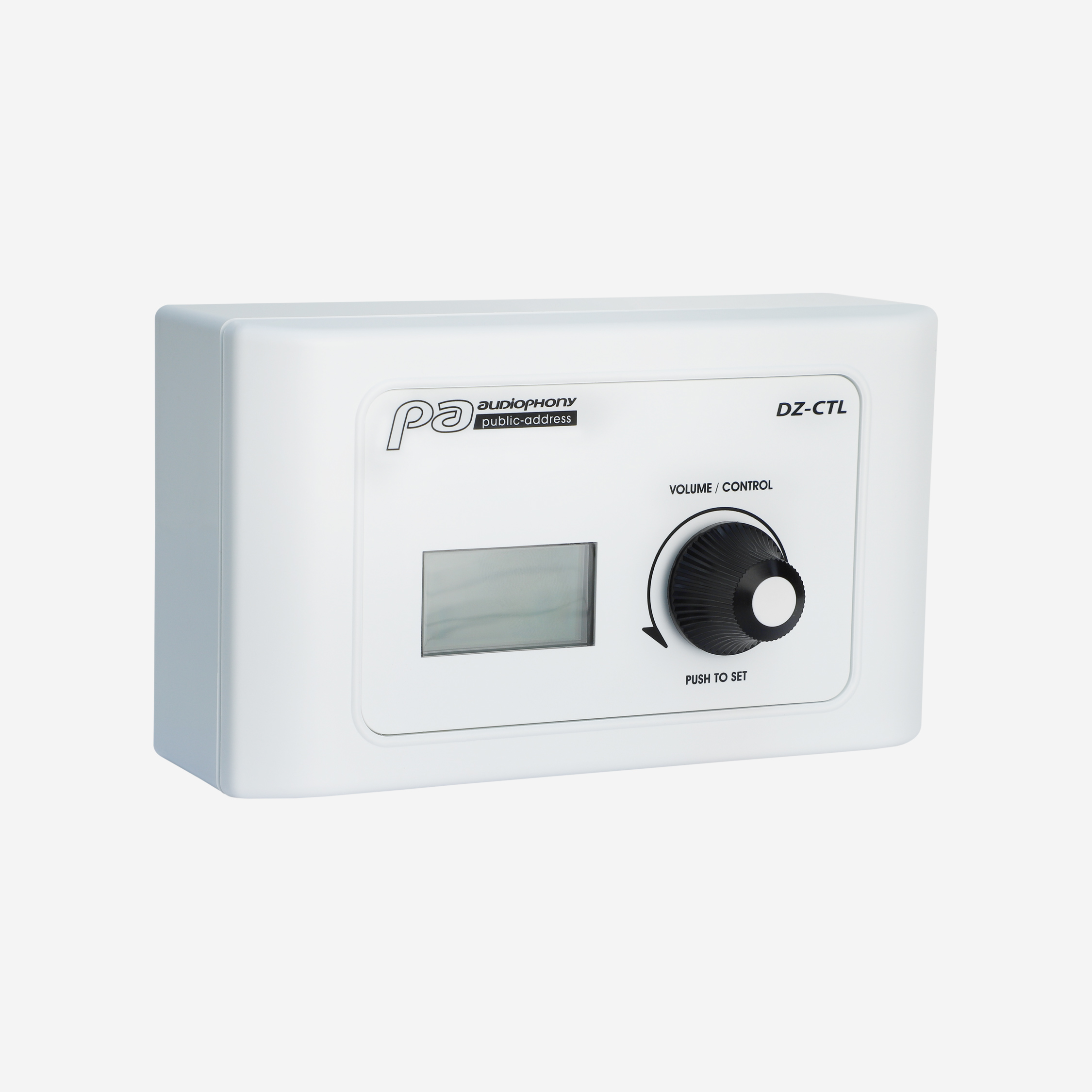
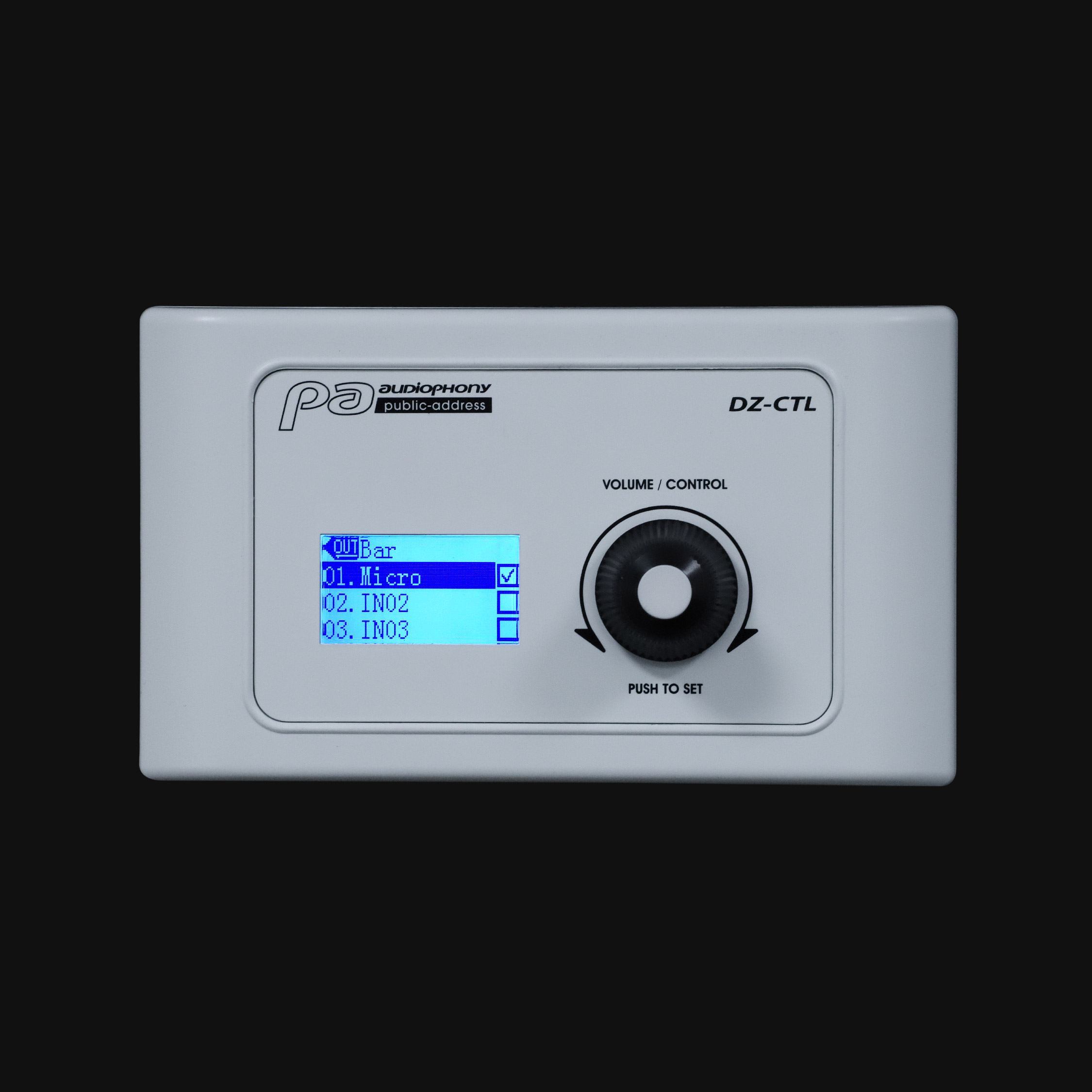
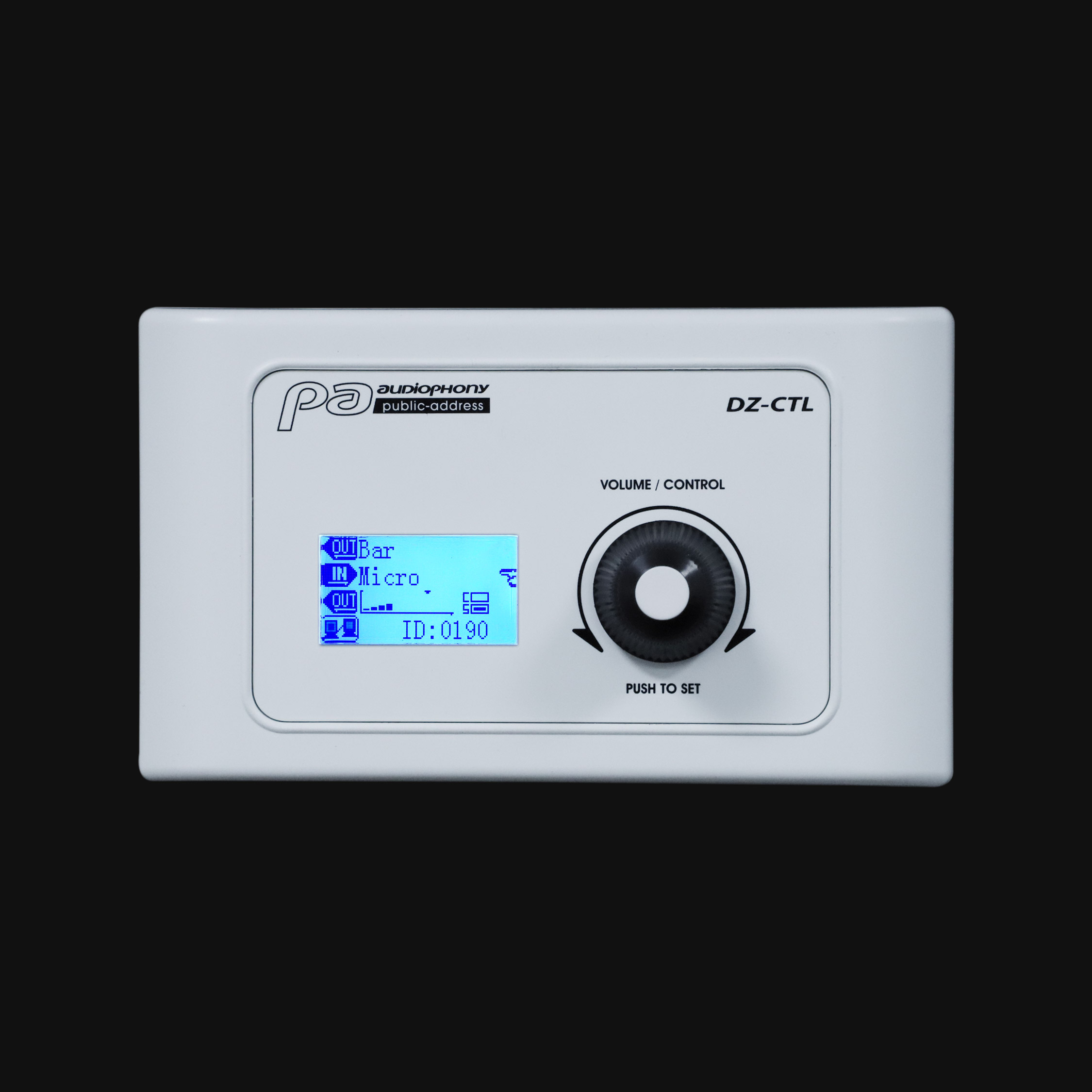
The box allows you to select a source and adjust its volume on a previously chosen output. As for its display, it allows you to choose the channel you want to select and then to adjust its volume.
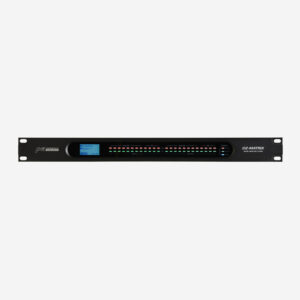
The control box is connected to digital channels 9/10, 11/12 of the matrix*.
DZ-CTL has a RD output on the back to connect other DZ-CTL.
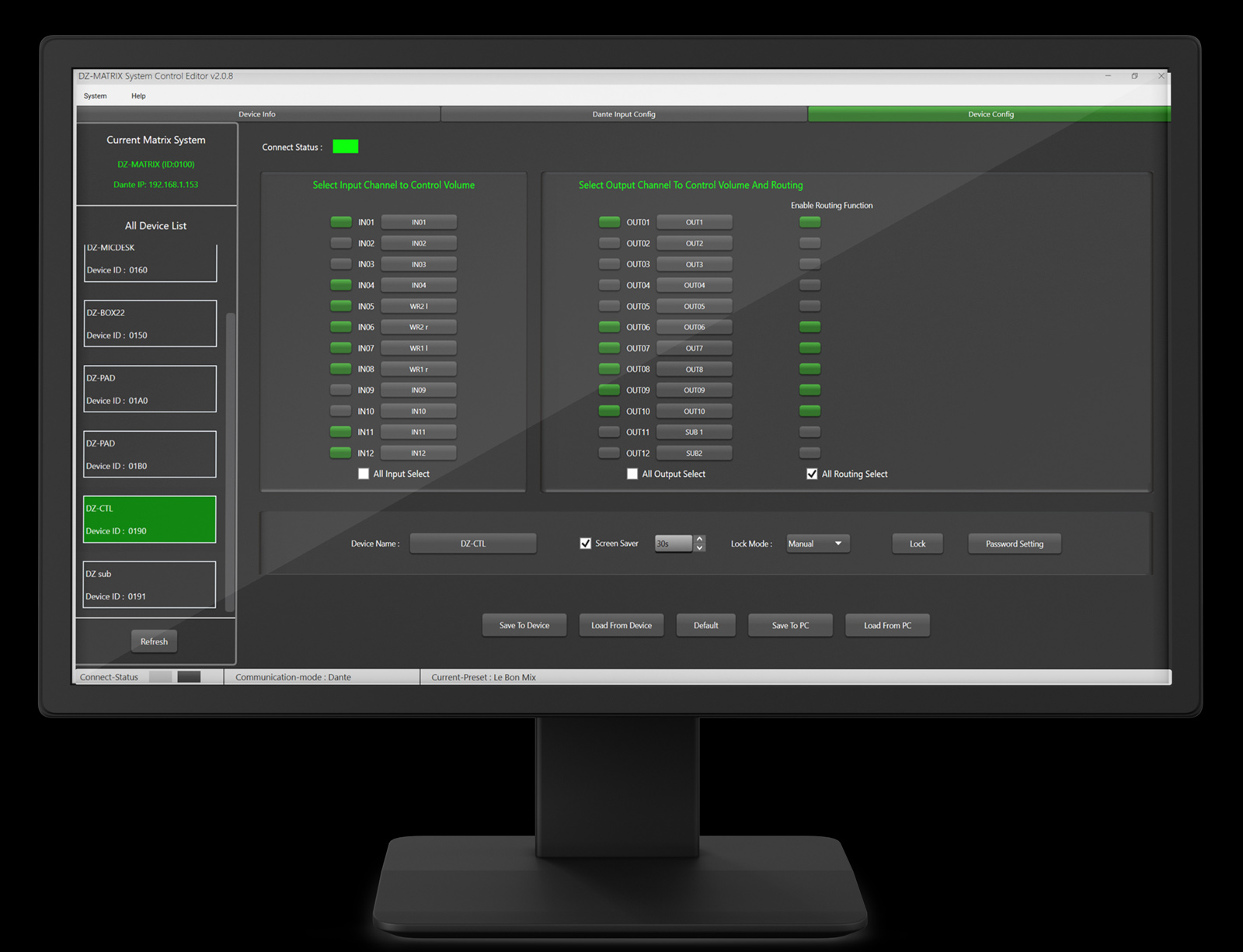
The DZ-MATRIX Setting Software allows you to
– The name of the box can be changed with the DZ-MATRIX setting software
– The software allows to give access to the sources and outputs in order to limit the settings for the end user
– Password lock and adjustable screen saver
*Use CAT5e or CAT6 cable with a maximum length of 100 m.
⚠ Recommendations — firmware update (15/06/2026).
- All products in the DZ series must be updated to work properly.
- For updates, all your devices must be connected.
- You cannot use the V3.0.0 Setting Software with the DZ-MATRIX V6.3II.
- You cannot use the V2.0.8 Setting Software with the DZ-MATRIX V7.1II.
What’s new.
DZ-MATRIX:
- DSP copy to inputs and outputs linked in stereo
- “Clear all” added in the matrix module + single-click routing
- Save and load equalisation presets on outputs
- Added groups (4 for inputs, 4 for outputs)
- Option to choose a default preset at matrix startup
- IP address configuration (DHCP or fixed IP)
DZ-PAD:
- “VOL-” and “VOL+” buttons added on the OUTPUT page
- Group page added