Software ecosystem
A software ecosystem built for installers.
The Ami range comes with three complementary software tools, designed to cover the entire life cycle of an installation — from technical configuration to user interface creation, including the setup of wired and wireless sources.
Every tool is free, available for download from audiophony-pa.com, and designed to make your job easier.

Windows
AmiControl.
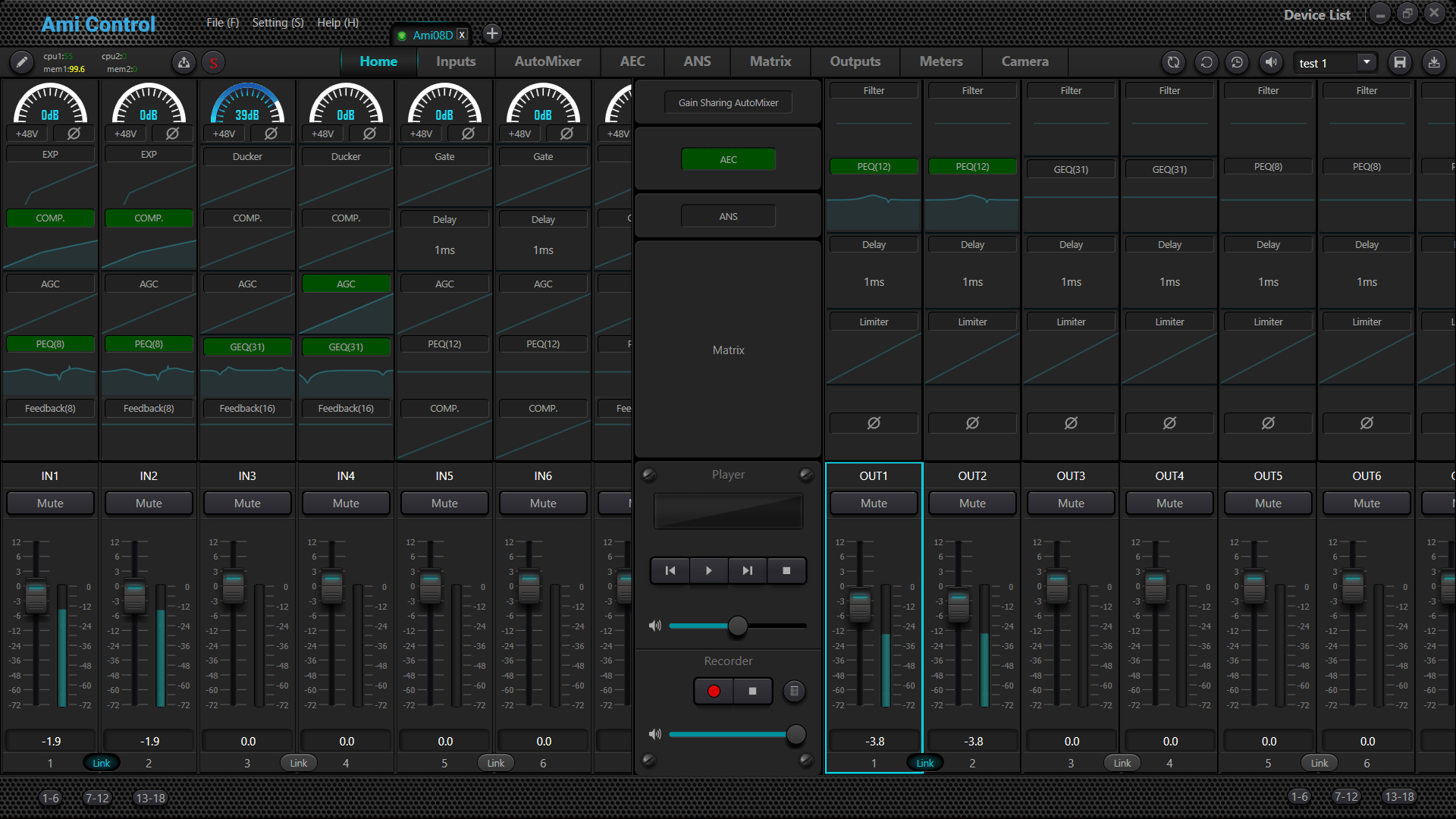
AmiControl is the core software of the Ami range. On Windows, it gives access to every parameter of the matrices: routing, input and output DSP, presets, groups, user rights management and third-party control protocols.
AmiControl is where the installer defines every setting of the installation before handing over the keys to the end user — confident that they will only ever access what was intended for them.
The interface gives an immediate, complete view of the installation, with direct access to every function from a single screen. The various DSP functions are enabled on demand, without ever cluttering the display.
Groups, GPIO, network settings and presets are organized the same way: clearly, logically, with no detours. Software built for installers.
Download AmiControl Windows · ZIP, 9.4 MB · version 3.0.43.126

iOS · Android
AmiControl.
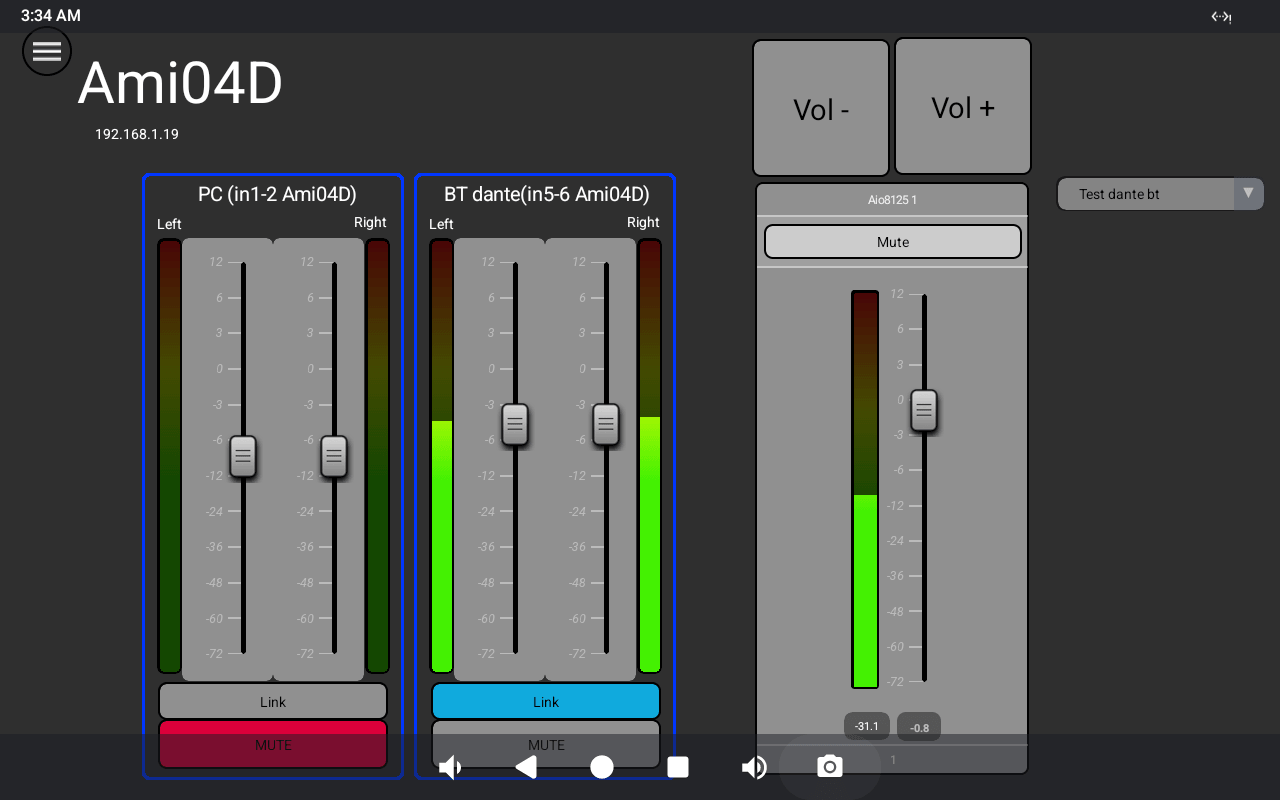
Available for smartphones and tablets, AmiControl for iOS/Android turns any device into a controller for the installation.
It is the interface the end client will see and use every day — and the installer defines every detail of it in User Designer: design, colors, logo, available functions and control layout.
One application, a fully personalized experience.
Download the Android APK Android · ZIP, 45.0 MB
Download on the App Store iOS · iPhone and iPad
Windows
User Designer.
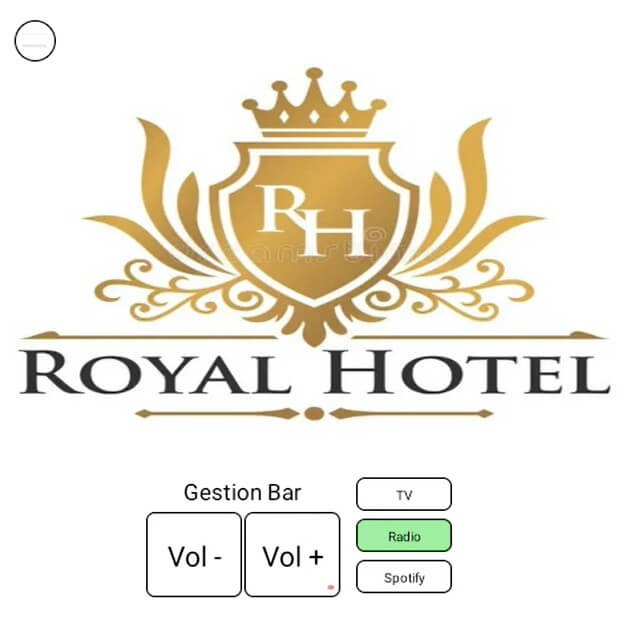
User Designer is the tool for creating user interfaces for Windows, Android and iOS. It is a module within AmiControl: it opens from the software, with no separate installation or download.
This is where the installer visually designs the control panel for the end user: faders, buttons, source selectors, element layout, and a graphic design featuring the client's logo and wallpaper in their brand colors.
The resulting interface is deployed on a computer, smartphone, tablet or dedicated wall-mounted tablet. What the end user sees and touches is entirely up to the installer — down to the smallest visual detail. User Designer turns a technical installation into a tailor-made experience, accessible to everyone.
Windows
Ami BT Control.
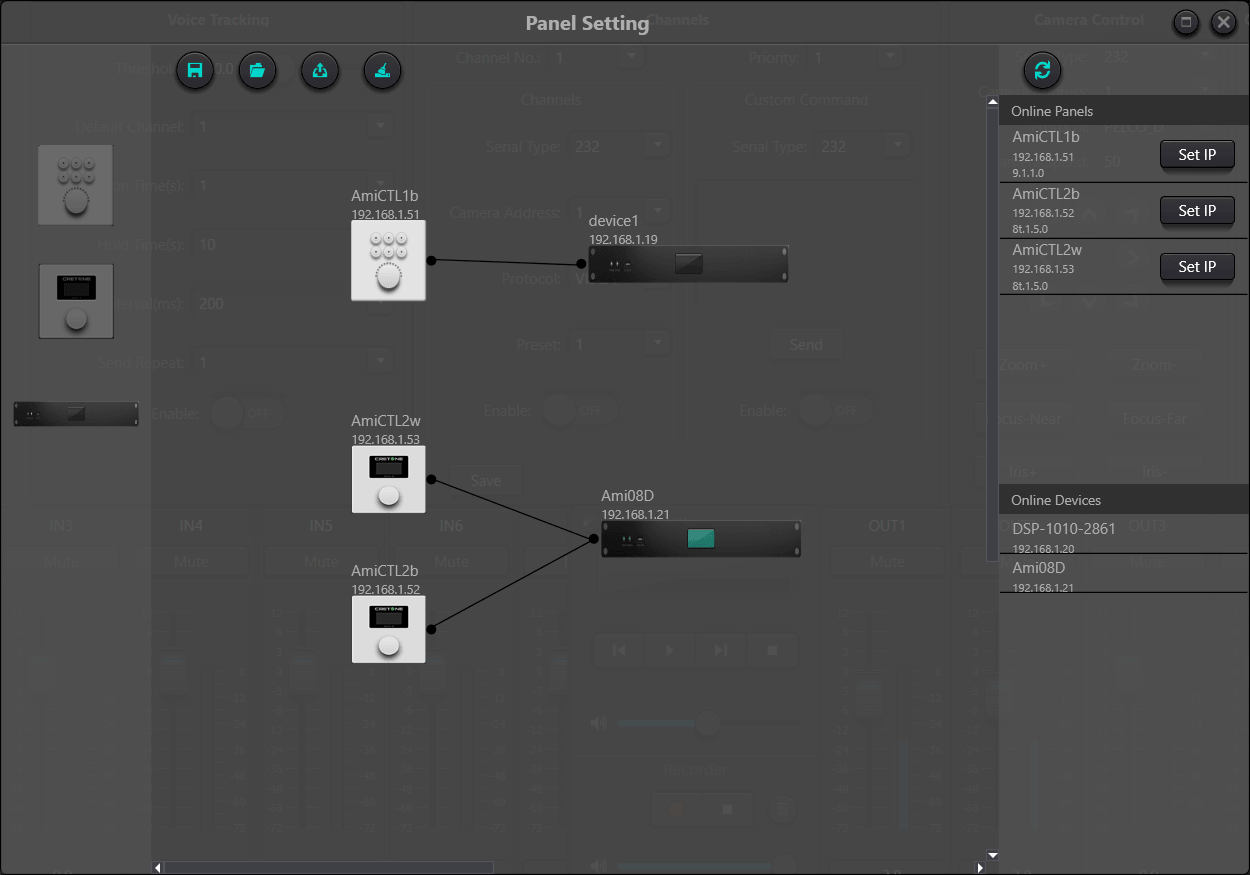
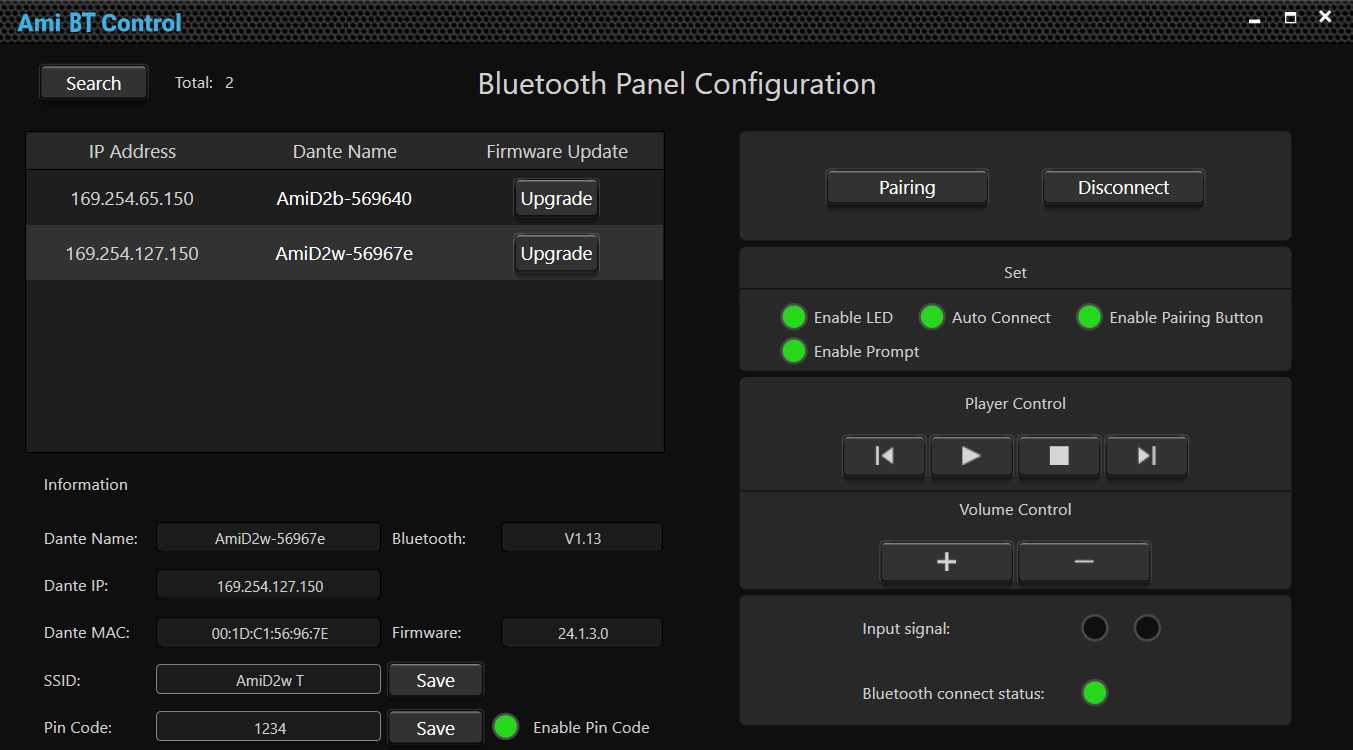
Ami BT Control is the software dedicated to configuring the AmiD2 wall units. From a simple, clear interface, the installer remotely sets the Bluetooth name shown to users, the pairing password, the touch-button behavior and the connection preferences.
A focused tool, built for a single task — and it does it perfectly.
Download Ami BT Control Windows · ZIP, 8.6 MB · version 1.0.0.1

Audinate
Dante Controller.
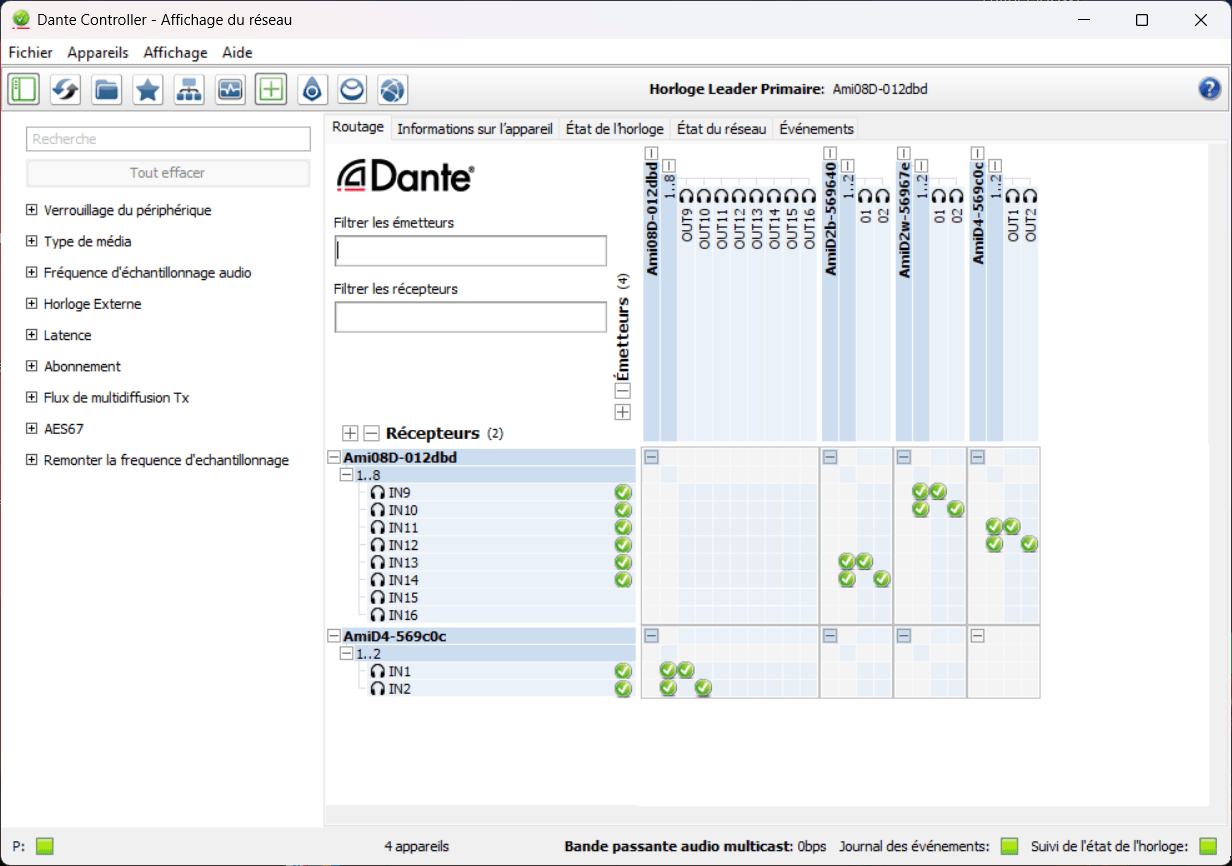
The D versions of the Ami matrices and the AmiD2 and AmiD4 wall units use the Dante protocol to carry audio signals over the network. Routing these signals between the installation's Dante devices is handled in Dante Controller, Audinate's official software.
Free and available from audinate.com, it operates independently of the Ami range and is fully documented by Audinate.